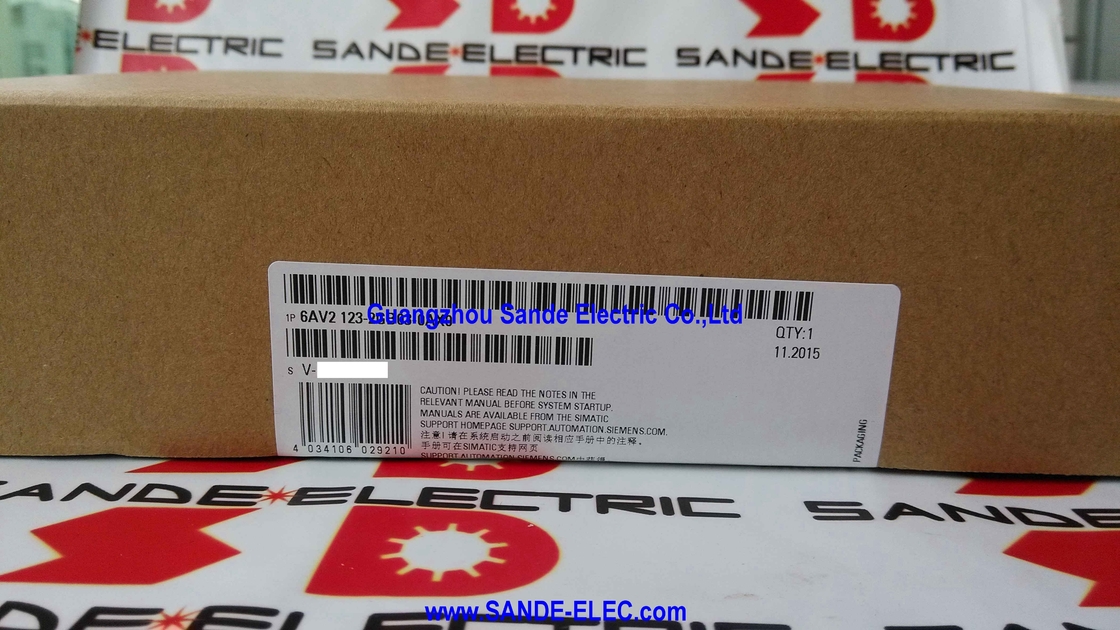
Siemens 6AV2123-2GB03-0AX0 | SIMATIC HMI KTP700 Basic Panel — 7" TFT / 800×480 / Touch + 8 Keys / PROFINET / 24V DC / IP65
Compact HMI That Does More Than It Promises
The 6AV2123-2GB03-0AX0 is the KTP700 Basic — Siemens' 7-inch entry-level HMI from the SIMATIC Basic Panel range. "Entry-level" in the SIMATIC HMI family does not mean low-capability for the target application class. For a standalone machine, a compact production cell, or a small processing unit, the KTP700 Basic delivers everything needed: a clear colour touchscreen, tactile function keys for the most-used operations, PROFINET communication to the machine PLC, and 10 MB of memory to hold the screens, alarms, and recipes for a complete machine visualisation project.
The "KTP" designation encodes the operating mode: Key and Touch Panel. The touchscreen handles screen navigation, data entry, and graphical button presses. The 8 function keys along the bottom edge give the operator direct physical access to the most important machine commands — start, stop, mode selection, and alarm acknowledgement — without navigating through touchscreen menus. In a noisy factory environment where operators may be wearing gloves or handling parts, the tactile response of a physical function key is reliably detected in a way that a touch-only panel sometimes is not.
PROFINET connects the panel to a SIMATIC S7-1200, S7-300, S7-400, or other PROFINET-capable PLC. The panel can also communicate via Modbus TCP/IP and EtherNet/IP — the same RJ45 interface handles all three protocols, reducing wiring to a single Ethernet cable from the panel to the network switch.
Key Specifications
| Parameter | Value |
|---|
| Part Number | 6AV2123-2GB03-0AX0 |
| Display | 7" TFT, 800×480 |
| Colors | 65,536 |
| Operation | Touch + 8 function keys |
| Interface | PROFINET / Modbus TCP/IP / EtherNet/IP |
| USB | 1 × USB Type A |
| User Memory | 10 MB |
| Supply | 24V DC (19.2–28.8V) |
| Protection | IP65 front / IP20 rear |
| Backlight | LED ~50,000 hours |
| Dimensions | 214 × 158 × 39mm |
| Cut-Out | 192 × 138mm |
| Weight | ~0.9 kg |
| Configuration | WinCC Basic V13+ / TIA Portal |
| Operating Temp | 0–50°C |
TIA Portal Integration — WinCC Basic Configuration
The 6AV2123-2GB03-0AX0 is configured in Siemens TIA Portal using WinCC Basic V13 or later. TIA Portal's project view manages the HMI project alongside the PLC programme in a single development environment — shared tags, alarm classes, and project texts are defined once and used across both the PLC programme and the HMI screens.
Communication variable mapping between the PLC memory and the HMI display is automatic once the PLC and HMI are configured in the same TIA Portal project.
FAQ
Q1: Can the KTP700 Basic communicate with an S7-300 or S7-400 PLC as well as S7-1200?
Yes. The KTP700 Basic supports communication with SIMATIC S7-1200, S7-1500, S7-300, and S7-400 PLCs over PROFINET. It also supports Modbus TCP/IP and EtherNet/IP for communication with non-Siemens PLCs. The PLC type is configured in TIA Portal's device and network view when the panel project is created.
Q2: Does the KTP700 Basic support vertical installation?
Yes. The panel supports both horizontal (landscape) and vertical (portrait) orientations. The display content orientation is configured in the WinCC project settings. Confirm the panel's installation orientation in TIA Portal before the panel is configured to ensure the screen layout matches the physical installation.
Q3: What is the USB port used for on the 6AV2123-2GB03-0AX0?
The USB Type A port supports project loading via USB drive (downloading the configured HMI project to the panel without a network connection), data backup, firmware updates, and connection to external USB devices such as barcode readers or printers. It does not provide USB host communication to PLCs.
Q4: The KTP700 Basic screen has turned dark but the PLC is running. What should be checked?
The screen may have entered power save mode (screen blackout after a configured idle period is a standard WinCC setting). Touch the screen or press any function key to wake it. If the display does not respond, check the 24V DC supply voltage at the panel's supply connector. If supply is confirmed good, the LED backlight may have failed — LED backlight life is approximately 50,000 hours; a panel in continuous operation for several years may have reached end of backlight life.
Q5: What is the required minimum TIA Portal version for configuring the 6AV2123-2GB03-0AX0?
The KTP700 Basic 6AV2123-2GB03-0AX0 requires WinCC Basic V13 or STEP 7 Basic V13 as the minimum configuring software version. Later TIA Portal versions (V14, V15, V16, V17, V18, V19, V20) are also compatible. Earlier TIA Portal versions or the legacy WinCC flexible software do not support this panel generation.



 Your message must be between 20-3,000 characters!